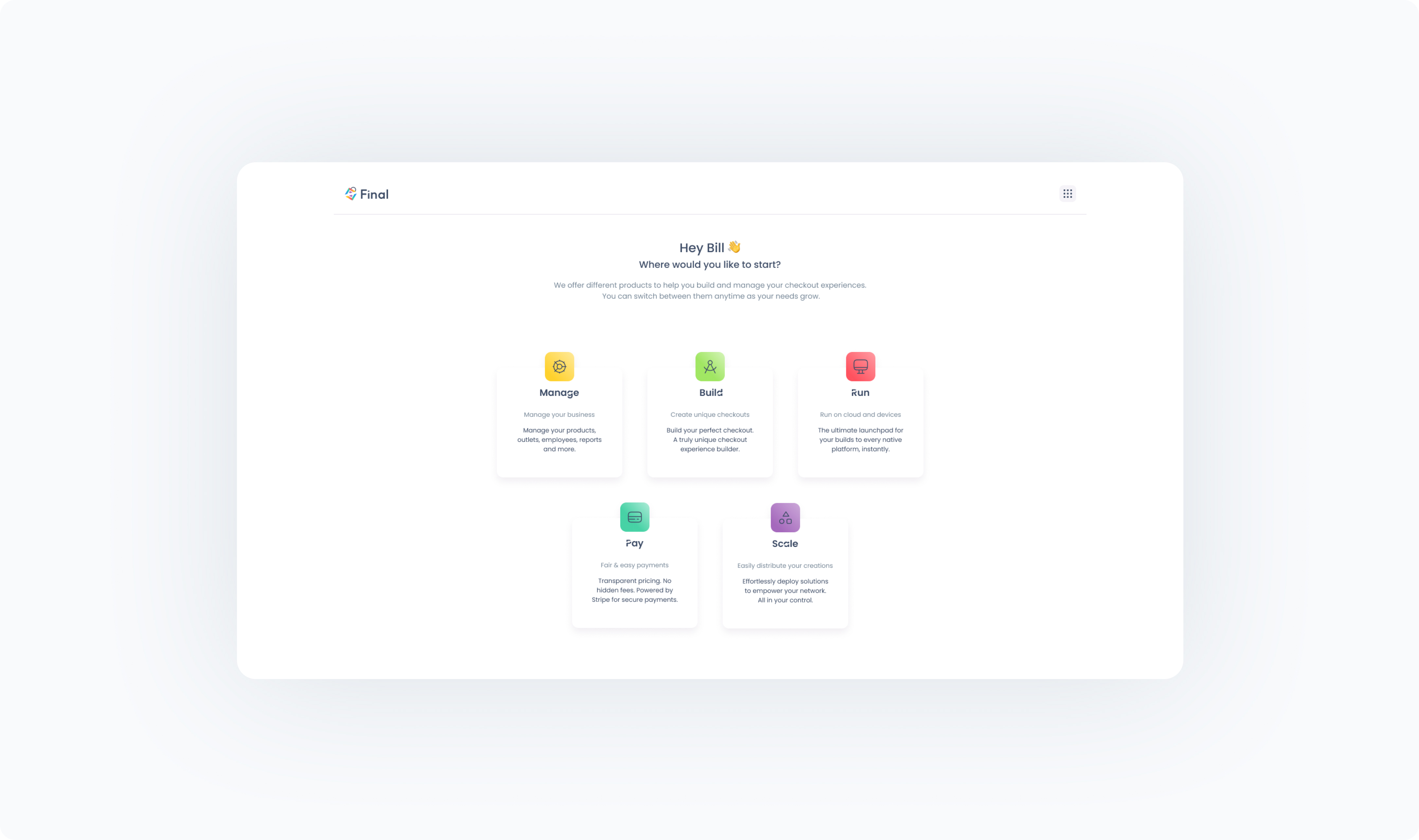
After signing up, you’ll land in the Launcher, your central dashboard for switching between Final’s tools. You can also always switch between the tools by clicking the nine-dot menu icon in the top navigation bar, From this menu, you also can:
Access your billing page with Final.
View and update your profile.
Sign out of your account.